Take a look at what I've been working on
Technologies that I use


Travel Project
click hereThis responsive travel website, developed from scratch, offers an informative and visually engaging guide to New York City. Utilizing HTML grids, tables, and embedded media, the site delivers structured content and interactive experiences optimized for all devices. A clean layout and thoughtful design make it a valuable resource for travelers and NYC enthusiasts alike.
Weather Project
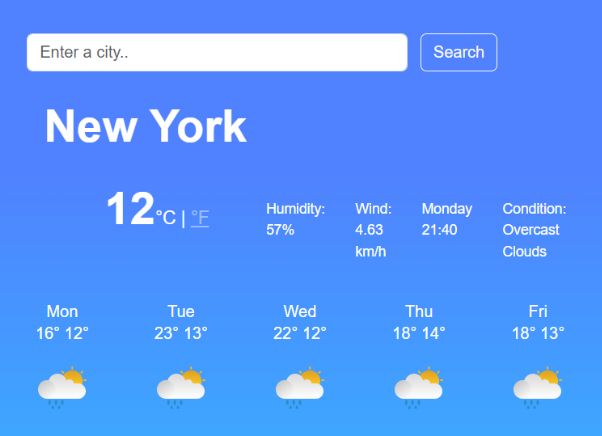
click hereA sleek, responsive weather app built from scratch using React. It provides real-time weather updates with a clean, user-friendly interface. Built with HTML, CSS and JavaScript
Dictionary App
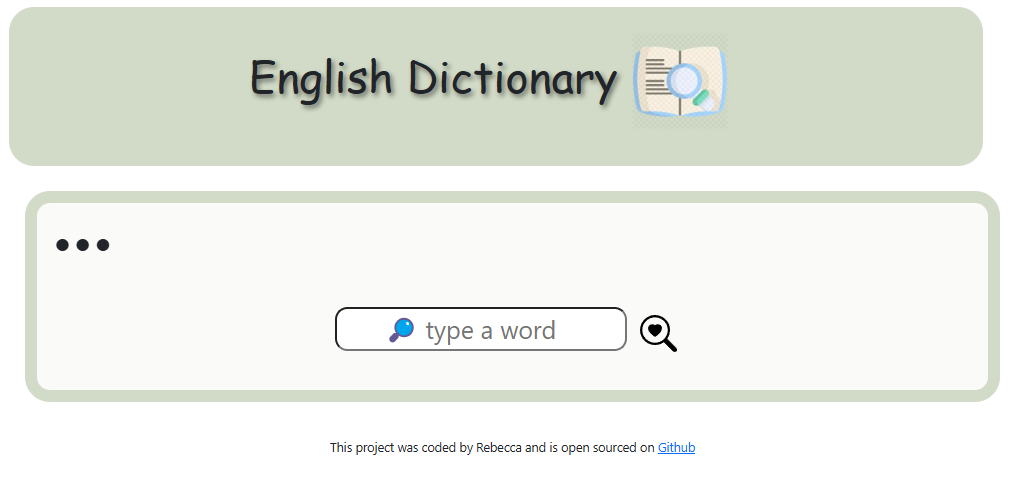
click hereThis english dictionary provides users with clear definitions, example sentences, and a list of synonyms to enhance vocabulary understanding. It also features a visual gallery to support word learning through imagery, making it an engaging educational tool.Built with HTML, CSS and React
AI generator
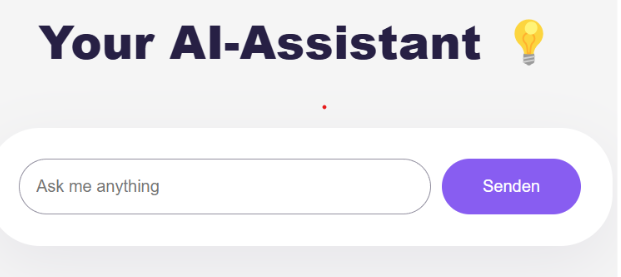
click hereI built an AI generator using HTML, CSS, and JavaScript. It doesn’t access live data or display images, but it has a friendly interface and can generate text-based responses. Users can enter prompts, and the AI replies with creative descriptions or answers based on the input—great for concept generation or simple interactions.
World Clock
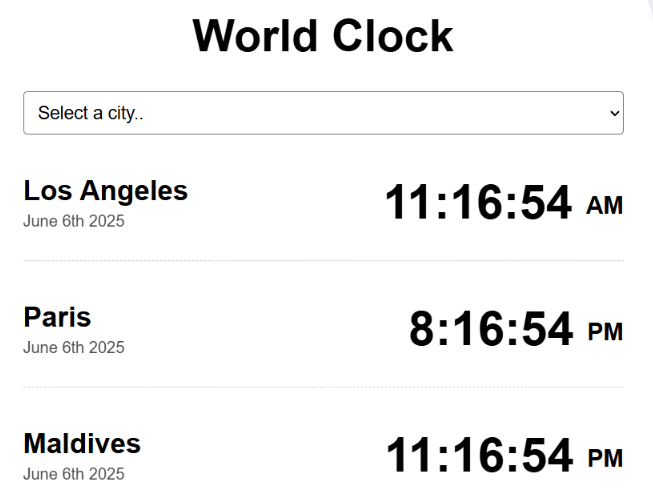
click hereI created a live world clock. It displays live times and dates from cities around the globe in real-time, with a clean and intuitive interface that works seamlessly across all devices.
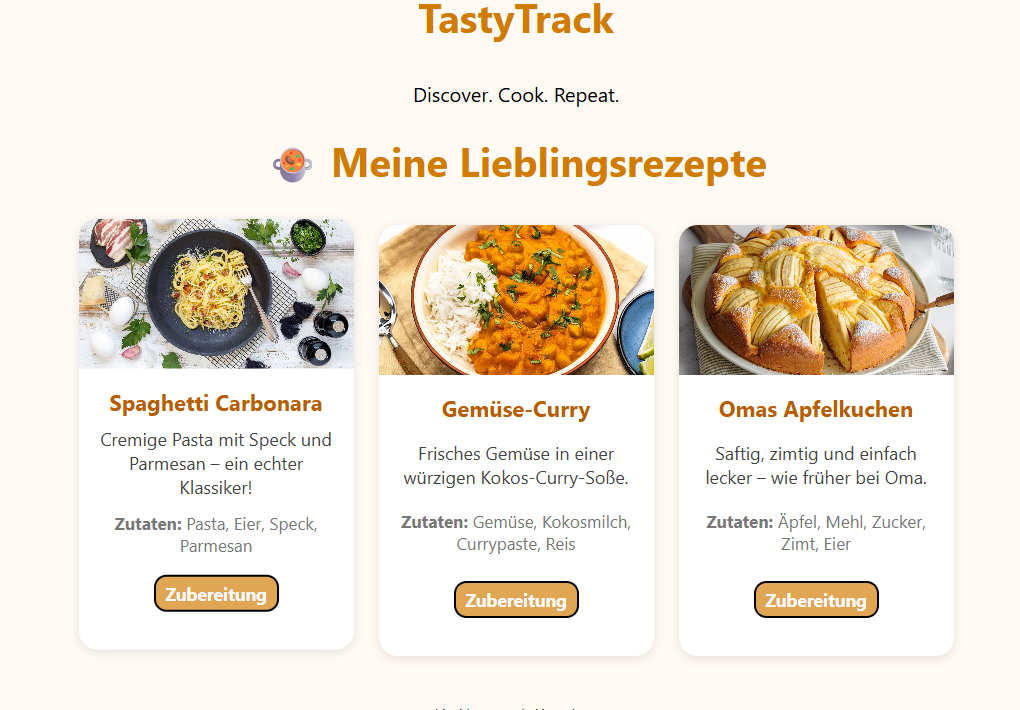
TastyTrack(German)
click hereI created an interactive recipe calculator and shopping list tool. It allows users to select a recipe, adjust the number of servings, and automatically generates the correct ingredient amounts. With one click, users can add ingredients to a dynamic shopping list where they can check off each item. The project is built using HTML, CSS, and JavaScript, focusing on responsive design, usability, and clear interface logic
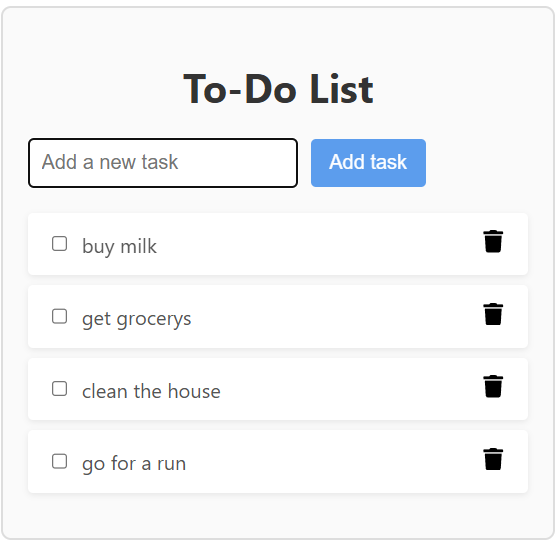
To-do-list
click hereA simple and interactive to-do list built with React. Users can add tasks and mark them as complete using checkboxes and delete tasks using the trash icon. The app offers a clean, user-friendly interface for managing daily tasks efficiently.
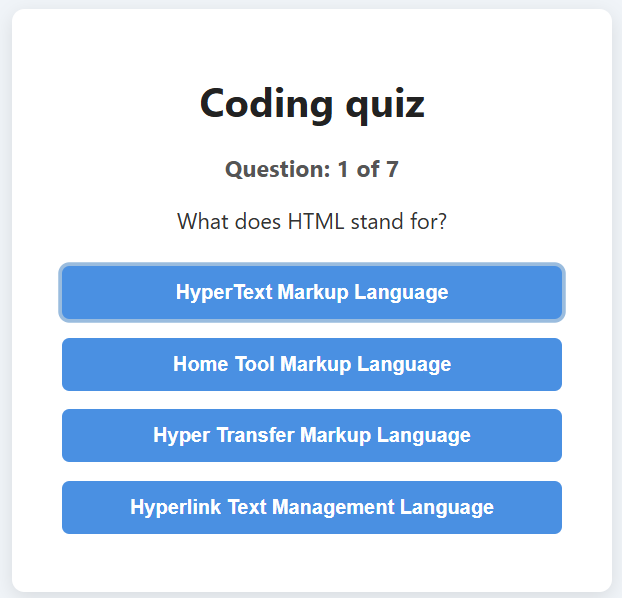
Coding quiz
click hereI`ve built an interactive coding quiz by using React. Users answer multiple-choice questions to test their knowledge on web development topics like HTML, CSS, and JavaScript. After completing the quiz, the final score is displayed along with an option to restart. The app provides a smooth user experience for learning and self-testing.